Survey the needs before the specs
Cisco’s SME Wireless page distinguishes access points by density and features. For example, Cisco describes the CW9171 for low-to-medium density with a dual-radio tri-band design. This is Cisco’s example and does not prove that any camera model or SVTEK system has been validated by the manufacturer.
SVTEK design checklist: floor plan/wall materials, number of concurrent devices, applications in use, areas to cover and roaming zones. Measure at the actual points of use; do not promise coverage based only on the name Wi-Fi 6/7.
Check the uplink and power load
Theoretical Wi-Fi speed is not internet bandwidth or the real speed for each user. The uplink, cabling, switch, router and internet line must match the expected load.
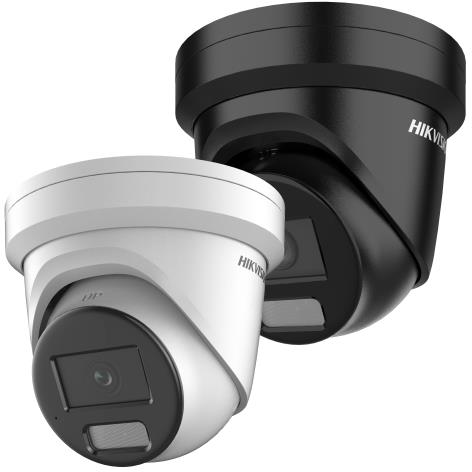
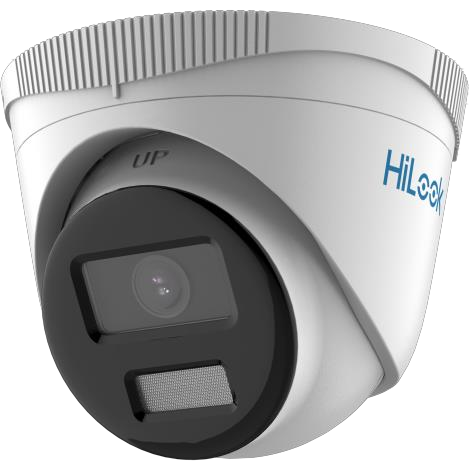
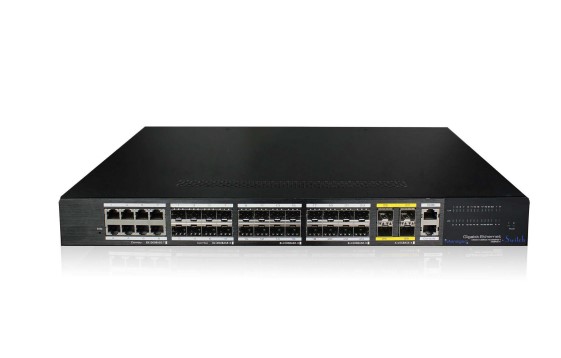
For example, the DS-2CD2346G2H-I(U) camera lists PoE IEEE 802.3af, Class 3, with a maximum of 9 W in its datasheet. This is the load of one specific model, not a general figure for every camera. When choosing a switch, compare per-port power and the switch’s total PoE budget against all devices, while leaving headroom according to the design.
Segmentation and maintainability
Design recommendation: define guest, staff and device networks; administrative rights; cabinet location and cable labelling. VLAN, guest network or roaming features must be confirmed on the specific device/software; do not promise absolute security just because networks are separated.
Conditions to check during deployment
Check port/uplink counts, PoE load, cable length and type, radio interference, AP positions and administrative rights. Test with many concurrent users and verify camera/attendance connectivity. This article is an advisory checklist; it does not advertise Cisco stock at SVTEK, list prices or performance commitments.
Sources were cross-checked on 02/10/2026. Specifications must be re-checked against the model/document version and installation environment; this content does not replace a site survey or technical confirmation.